In today's digital age, ransomware has become a significant threat to PC users worldwide. This malicious software is designed to lock users out of their computers or encrypt their files, demanding a ransom in exchange for access to their data. Ransomware attacks have been on the rise in recent years, with cybercriminals becoming more sophisticated in their techniques. In this article, we will discuss what ransomware is, how it works, and most importantly, how you can prevent it from infecting your PC.
Ransomware: Understanding the Threat
Ransomware is a type of malware that encrypts a user's files or locks them out of their computer, making them inaccessible. Once the ransomware is on the system, it will display a ransom note demanding payment in exchange for a decryption key. Failure to pay the ransom often results in permanent loss of data. Ransomware can spread through malicious email attachments, infected websites, or through vulnerabilities in software. It can be devastating for both individuals and businesses, causing financial loss and compromising sensitive information.
How to Prevent Ransomware Attacks
Preventing ransomware attacks requires a proactive approach to cybersecurity. Here are some essential steps you can take to protect your PC from ransomware:
1. Keep Your Software Updated: One of the most common ways ransomware infects a computer is through software vulnerabilities. Make sure to regularly update your operating system, antivirus software, and other programs to patch any security holes.
2. Be Cautious of Email Attachments: Do not open email attachments from unknown senders, as they may contain ransomware. Be wary of emails that ask you to download attachments or click on links, especially if they are unsolicited.

3. Use Strong Passwords: Use complex passwords for your accounts and change them regularly. Consider using a password manager to keep track of your passwords securely.
4. Backup Your Data: Regularly backup your important files to an external hard drive or cloud storage. In the event of a ransomware attack, you can restore your files from backup without having to pay the ransom.
5. Educate Yourself and Others: Stay informed about the latest ransomware threats and educate yourself on how to recognize and avoid them. Teach your family members and colleagues about ransomware and how to prevent it.

Ransomware poses a significant risk to PC users, but with the right precautions, you can protect your computer and data from falling victim to an attack. By staying vigilant, keeping your software updated, and practicing safe internet habits, you can reduce the likelihood of ransomware infecting your PC. Remember that prevention is always better than dealing with the aftermath of a ransomware attack. Stay informed, stay safe, and keep your PC secure from cyber threats.
Popular
What Every PC User Needs to Know About Ransomware and How to Prevent It
In today's digital age, ransomware has become a significant threat to PC users worldwide. This malicious software is designed to lock users out of their computers or encrypt their files, demanding a r...

Location Tracking Apps and Antivirus Software: Your Perfect Protection
Explore how combining location tracking apps and antivirus software provides ultimate digital protection. Learn how to choose the right tools, stay ahead of evolving cyber threats, and build a secure ...
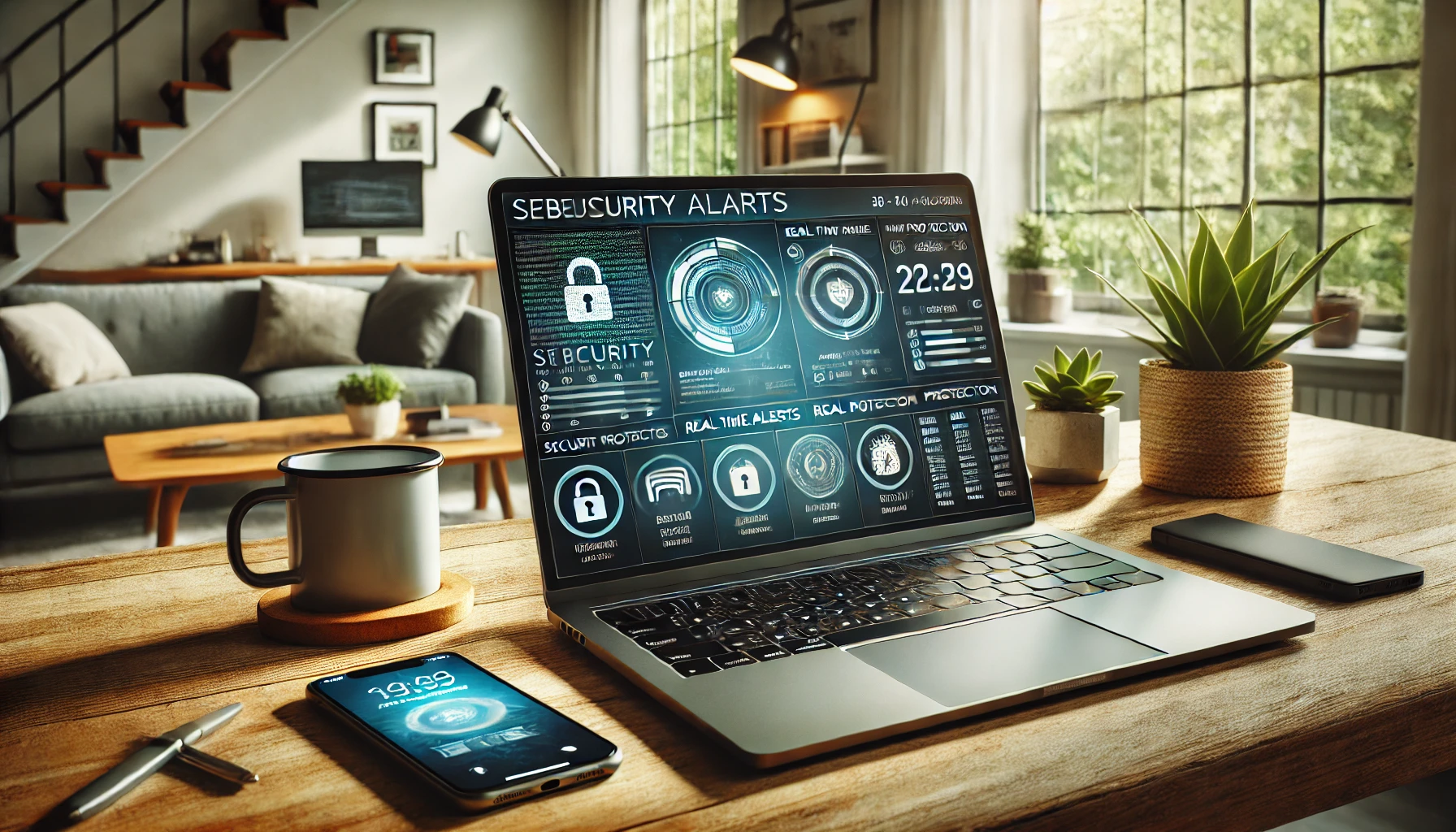
Hack-Proof Your Devices: A Beginner’s Guide to Bulletproof Computer Security
Learn essential tips to hack-proof your devices and protect your data. From strong passwords to network security and backups, this beginner's guide covers all you need to fortify your cybersecurity. S...

How Not to Fall Victim to Online Scams: Simple Rules for Everyone
Online scams are everywhere, from fake stores to phishing attacks. Learn how to protect yourself from fraudsters, verify purchases, and recognize red flags. Discover key strategies, including using tr...
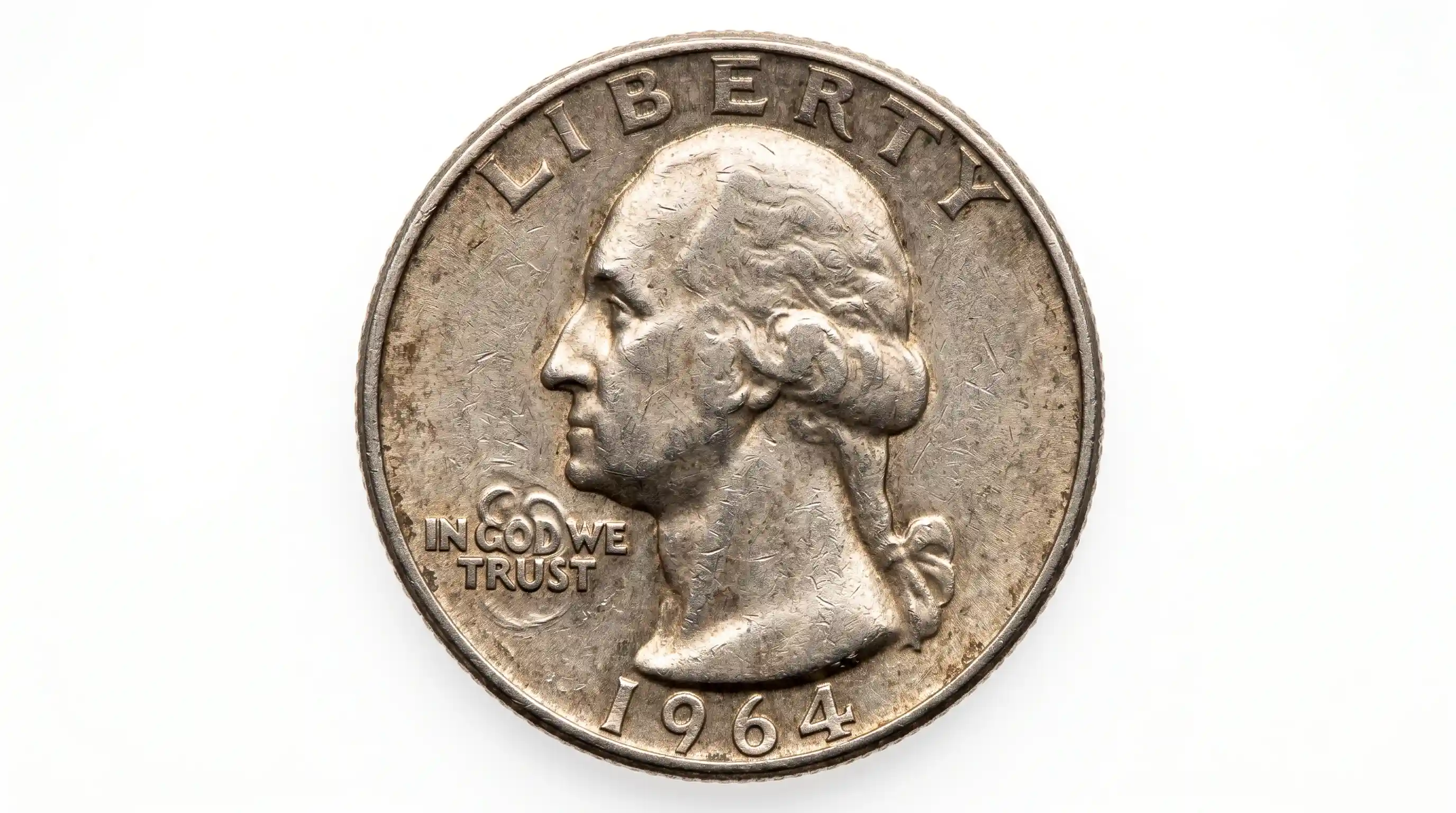
The IN COD WE TRUST Quarter Phenomenon Explained Through Mint Errors
Guide to market value for 25 cent coins with IN COD WE TRUST mint errors. Investment data, grade charts, and auction price trends....